How to Automate Your Weekly Planning With AI in 15 Minutes

A to-do list tells you what exists. A weekly plan tells you when each thing will happen. Turning one into the other is slow to do by hand, and AI is good at it, as long as you give it the real constraints of your week.
- Dump everything (5 min)Write every task, deadline and appointment in one list. Don’t sort yet.
- Ask AI to organise (5 min)Paste your list into the prompt below.
- Adjust and schedule (5 min)Move things that don’t fit your energy, then copy the plan into your calendar.
Why a weekly plan beats a daily to-do list
Planning the whole week lets you spot clashes early, such as a deadline on the same day as a long appointment. It also helps you place demanding work when you have the most energy, instead of squeezing it in at the end of the day.
What to put in your list
- Fixed appointments with day and time.
- Deadlines with dates.
- Recurring chores, like shopping or exercise.
- A rough time estimate for each task. A guess is fine.
- When you work best, for example “mornings”.
See it in action
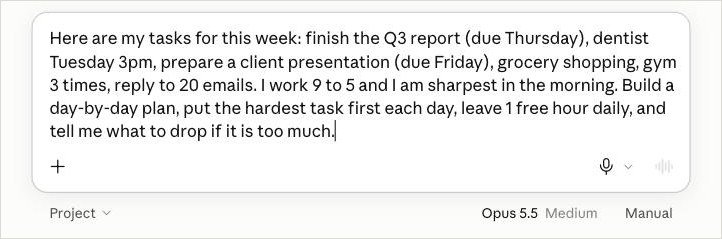
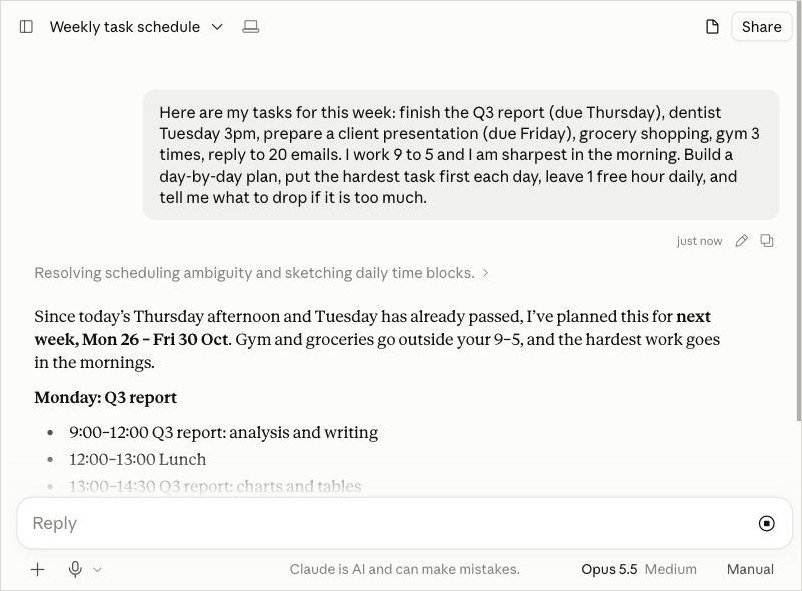
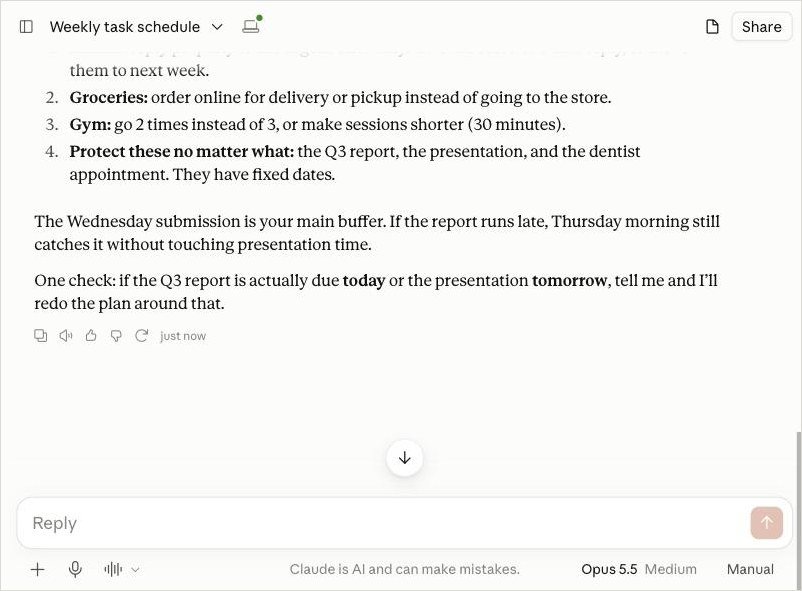
How I tested this: I ran this prompt in Claude in October 2026, and the screenshots below come from that run. AI answers vary, so your result may look a little different.
Common mistakes
- No time estimates. The plan will look fine and then be impossible.
- Forgetting fixed appointments. Always list them first.
- No buffer. Ask for one free hour a day, because things run over.
- Following the plan blindly. It is a draft. Move things around until it fits your life.
Make it a habit
Do this on Sunday evening or Monday morning and save your prompt in a note. On Friday, look at what slipped and why, then add that to your next prompt, for example “I always underestimate emails, so double that estimate”. Each week the plans get more realistic.